






TimeSync Hub Logo TimeSync Hub Contact Us
Contact Us

Master Digital Tools for Time Organization in Hong Kong

Learn how to sync calendars, manage tasks efficiently, and automate your workflow. Educational guides for professionals managing multiple schedules and priorities.

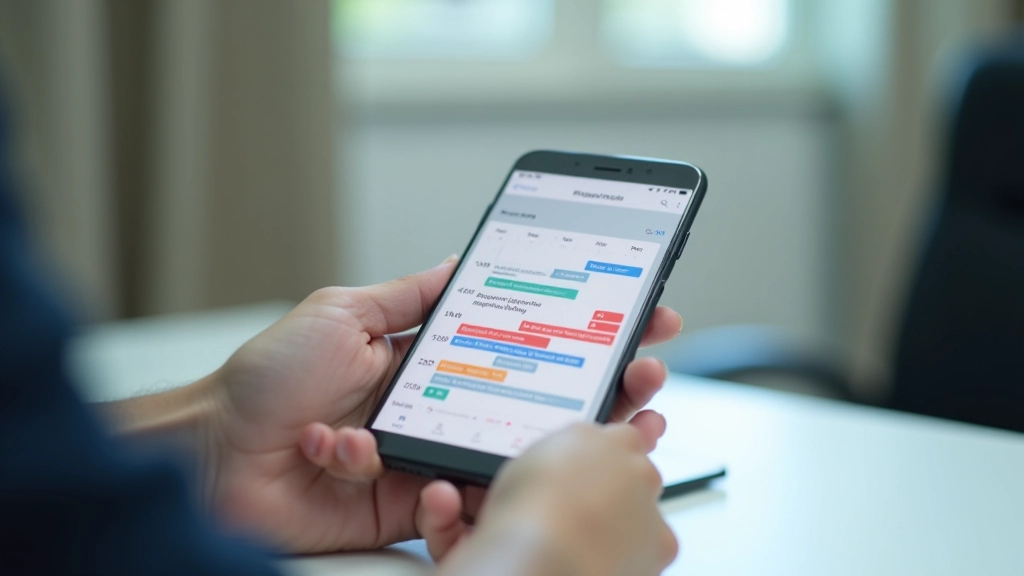
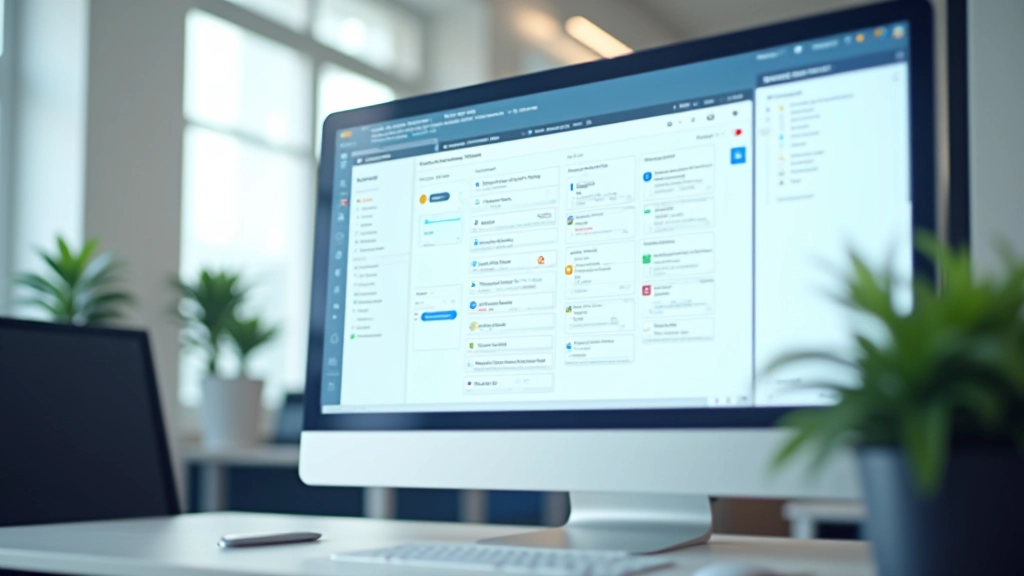
Productivity apps on tablet screen showing calendar and task manager interface Person working at desk with laptop and planner notebook Digital calendar application on smartphone showing synced events

Core Topics

What You’ll Learn Here

We cover the essentials of digital time management, from calendar syncing to workflow automation.

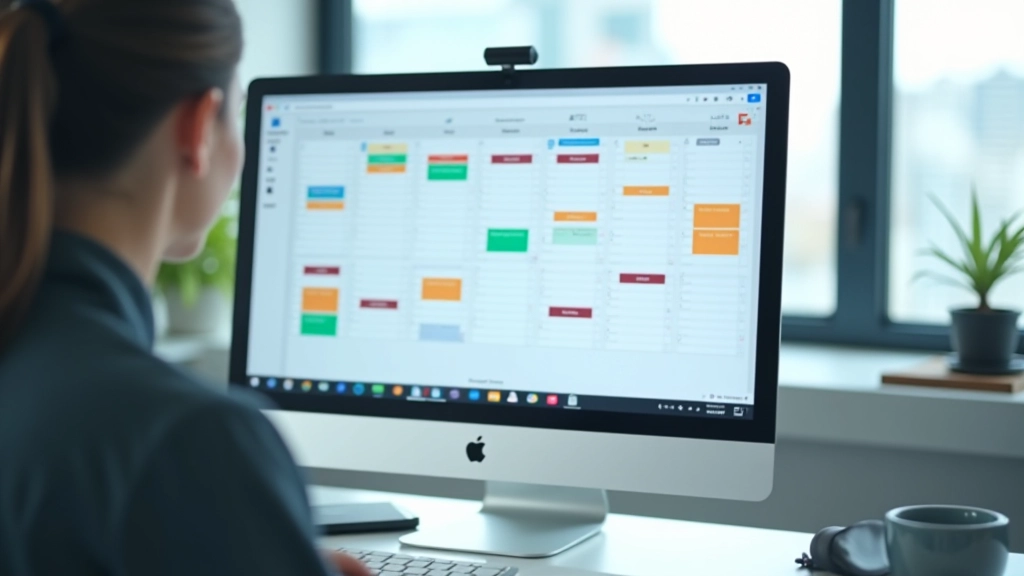
Calendar application interface showing multiple synchronized calendars

Calendar Synchronization

Sync Google Calendar, Outlook, and third-party apps across devices. We explain common issues and best practices for Hong Kong professionals managing multiple time zones.

Task management platform showing project board with organized cards and progress

Task Management Platforms

Todoist, Asana, Microsoft To Do — we test each for team collaboration, automation features, and usability in a Hong Kong business context.

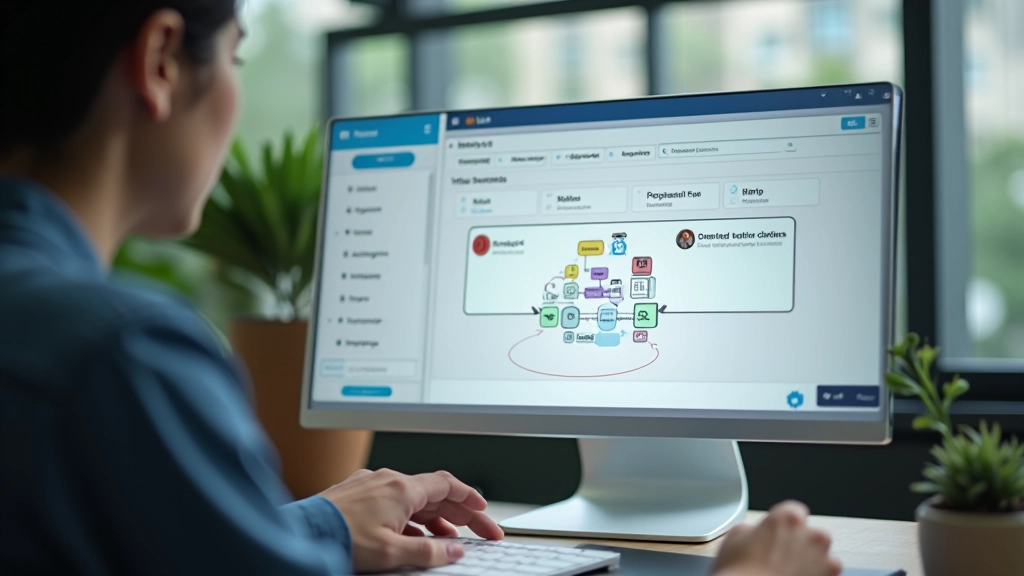
Workflow automation tool interface showing connected app integrations and automation rules

Automation Basics

Zapier and IFTTT eliminate manual data entry. No coding required. Perfect for SAR professionals handling repetitive administrative tasks.

Implementation

Getting Started Step by Step

A practical roadmap to implementing these tools in your workflow.

1

Audit Your Current Tools

Document which apps you’re already using. Most professionals have 3-5 different tools scattered across devices.

2

Choose Your Core Platform

Select one task manager and one calendar app as your central hub. Everything else connects to these.

3

Set Up Synchronization

Link your calendar, email, and task apps. Test syncing across devices to ensure everything updates in real-time.

4

Create Automation Rules

Build workflows to move data between apps automatically. Save 5-10 hours per week on manual tasks.

5

Train Your Team

Share the setup with colleagues. Consistency across the team makes collaboration seamless.

Contributors

Learn From Experts

Our team has tested these tools in real Hong Kong workplaces.

Professional productivity consultant with background in business operations

Marcus Chen

Productivity Consultant

10+ years helping SAR professionals streamline operations. Certified in workflow automation and digital transformation. Based in Hong Kong.

Project manager specialist in tech tools and team coordination systems

Sarah Wong

Project Management Specialist

Manages teams across multiple time zones. Tested 50+ task management platforms. Expert in cross-app integrations.

IT systems architect focused on business automation and integration

David Lim

Automation Engineer

Built custom automation workflows for financial services and legal firms. Fluent in Zapier, IFTTT, and API integrations.

Analysis

Before and After Implementation

See the real difference these tools make in daily workflow.

Without Digital Tools

  • Checking 5+ different apps for schedule information
  • Manual data entry between systems (duplicate work)
  • Missing meetings due to unsync’d calendars
  • No visibility into team workload or priorities
  • 15+ hours per week on administrative tasks
  • Email threads with conflicting information

With Integrated Tools

  • Single dashboard showing all calendars and tasks
  • Automatic syncing eliminates duplicate entry
  • Calendar conflicts flagged before they happen
  • Real-time team workload visibility
  • 5 hours per week saved through automation
  • One source of truth for all commitments
“We weren’t using any calendar sync at first. Everyone had their own system. After setting up Google Calendar sync and connecting Asana, we cut our scheduling conflicts by 90%. Now I actually know when my team is available without sending three emails asking.”

Jennifer Tse

Operations Director, Hong Kong

Ready to Optimize Your Workflow?

Get personalized guidance on choosing and implementing the right tools for your situation.

Contact Us Today

500+

professionals guided

10 hrs

avg. saved per week

Common Questions

Frequently Asked Questions

Answers to questions we hear most often from Hong Kong professionals.

1

Can I sync calendars from different companies?

Yes. Most calendar apps (Google Calendar, Outlook, Apple Calendar) support multiple account syncing. You can view work, personal, and family calendars in one place. Time zone conflicts are the main thing to watch — we explain how to manage them in our synchronization guide.

2

Do I need to use the same tools as my team?

Not always. Many tools integrate with each other, so you can use your preferred task manager while teammates use something different. The key is setting up automations that bridge the gaps. However, team consistency does make collaboration easier.

3

What’s the cost difference between free and paid tools?

This site is educational — we don’t focus on pricing since it changes constantly. What matters is finding tools that fit your workflow. Many professionals start with free versions (Todoist Free, Asana’s free tier) and upgrade only if they need advanced features. Our comparison guide helps you evaluate whether paid features are worth it for your situation.

4

How long does automation setup typically take?

Simple automations (like “add calendar events to task list”) take 10-15 minutes. More complex workflows connecting 3+ apps might take an hour. Once set up, they run on their own. Our automation guide walks through the process step-by-step so you’re not guessing.

5

Is my data secure when syncing between apps?

Most major apps use enterprise-grade encryption. When you authorize an app to access another app, you’re using OAuth — a secure standard. You don’t give apps your password, just permission to specific data. Always check privacy policies and use two-factor authentication.

6

What if I need help with setup?

Reach out through our contact page. We provide guidance on tool selection and implementation strategies tailored to your specific situation. Our guides are detailed enough for self-guided learning, but we’re here if you want expert advice.

Tools We Cover

Educational resources on these popular platforms.